What to Do If Your Camera Is Not Working: Troubleshooting Guide
Urgent, practical steps to diagnose and fix a camera that won’t operate. From power checks to firmware updates, learn safe methods for aspiring photographers and home-security enthusiasts to restore basic functionality.


What to do if your camera is not working: quick-start guide
When a camera stops functioning, the fastest path back to reliability is to start with power, storage, and basic settings. According to Best Camera Tips, many issues are resolved by simple, methodical checks rather than guessing. This quick-start guide jumps straight into practical steps you can perform safely to identify whether you’re facing a power, storage, or settings problem and what to do next.
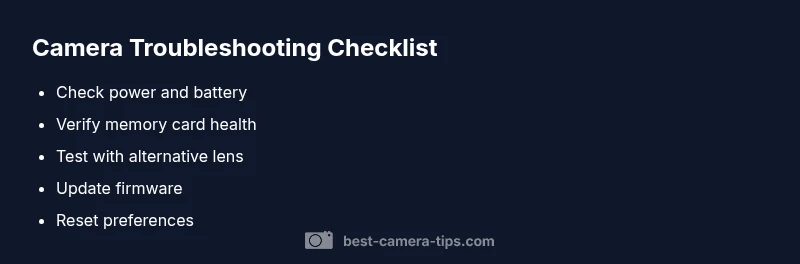
Begin with the basics: ensure the camera is powered on, the battery is charged, and the memory card is properly seated. If the display is blank, the image won’t save, or the controls don’t respond, you’re likely dealing with one of these core issues. By following the steps below, you can often restore functionality without tools or professional help. Remember: safety first and avoid forcing components.
- Check the power switch and confirm the charger indicator is lit
- Remove and reinsert the battery to reseat connections
- Inspect the memory card for damage and ensure it’s compatible with your model
These quick checks set a solid foundation before moving to deeper diagnostics.